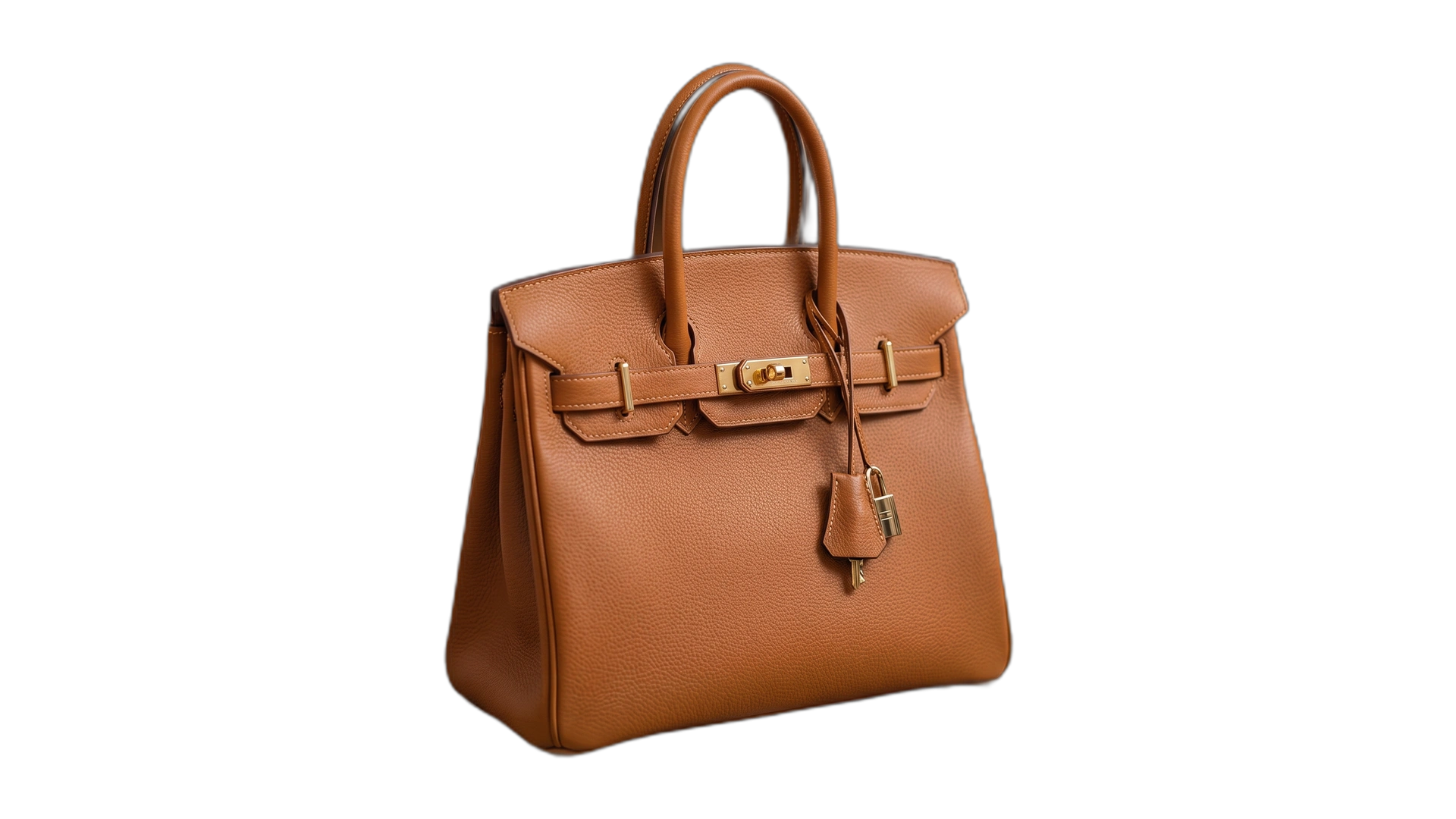
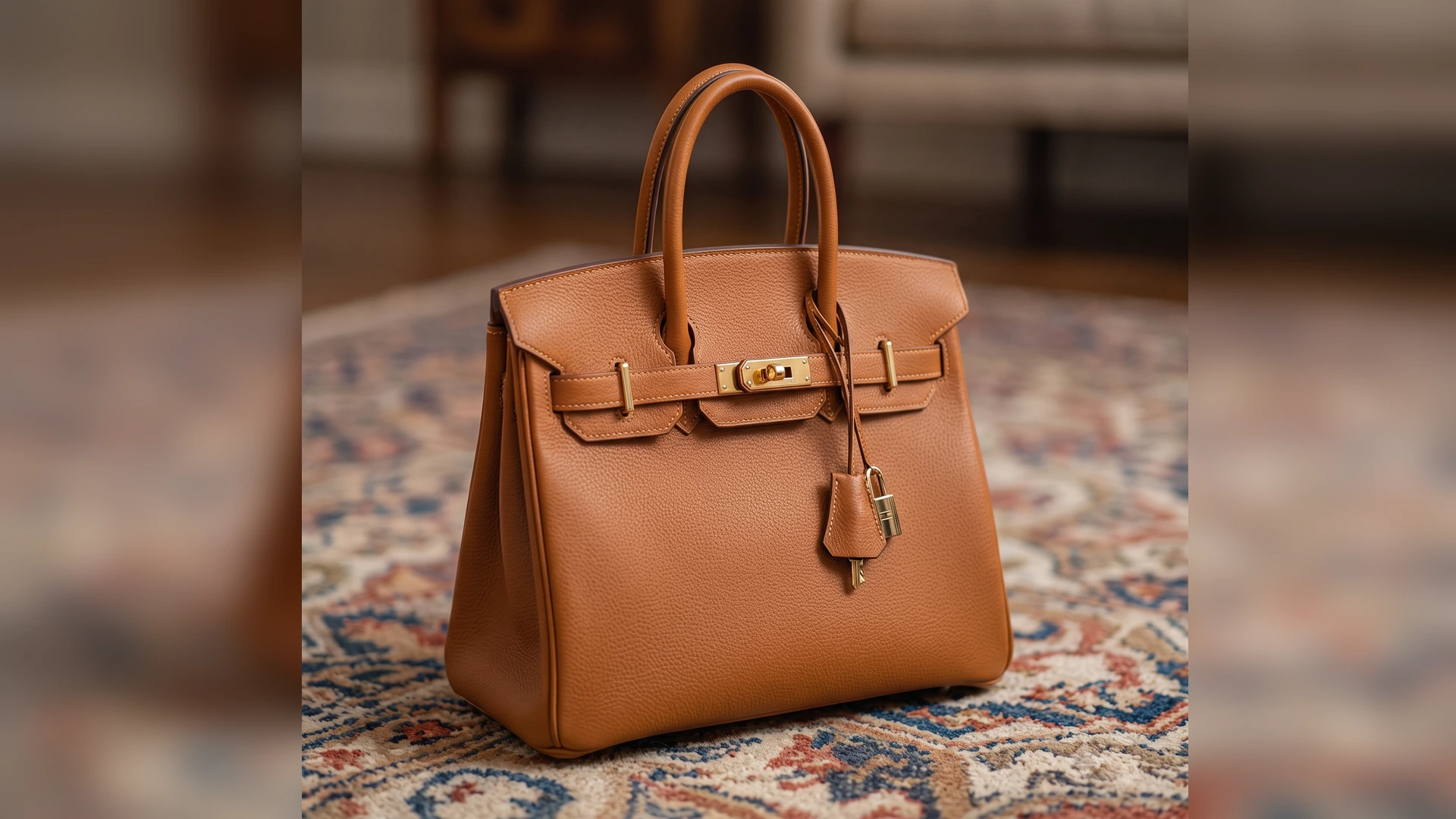
REMOVE BACKGROUNDS
WITH ZERO QUALITY LOSS
The ultimate background removal studio built specifically for creators, video editors, and thumbnail designers. Enjoy full resolution 4K exports, YouTube sticker outlines, and custom backgrounds with zero paywalls.
Drag and Drop Your Image Here
Supports PNG, JPG, WebP up to 4K resolution • 100% Private Neural AI Processing
REMOVE BG & IMAGE BACKGROUND GUIDE
Explore our interactive guide slides below to learn how to isolate subjects, swap background colors, and export crisp transparent PNG cutouts.
The Ultimate Free Background Remover Tool for Modern Content Creators
In today's fast-paced digital creative landscape, learning how to remove background from image files clearly and quickly is essential. Whether you are designing YouTube thumbnails, product listings for e-commerce, or personal branding avatars, having access to a reliable free background remover saves hours of manual masking. Our AI-driven background remover free web studio allows anyone to perform an instant remove bg task in less than 3 seconds without installing heavy software.
Traditional photo editing software often requires tedious manual magnetic lasso tracing to remove background from picture files. By contrast, our neural deep-saliency algorithm analyzes every single pixel, recognizing the central subject and separating hair strands, clothing contours, and complex edges. With our bg remove engine, you can instantly turn any complex photo into a crisp transparent background PNG file ready for composition.
Instant Custom Background Replacements: From Solid Colors to Seasonal Themes
Once you perform a background remove, customizing your canvas backdrop is seamless. Different platforms require specific backdrop tones:
- White Background & Black Background: Standard requirements for Amazon, eBay, Shopify, and official passport photos. Easily convert raw photos into a crisp white background or high-contrast black background with one click.
- Solid Studio Tones: Choose a vibrant red background, blue background, green background (green screen keying), pink background, or purple background to make your YouTube thumbnail pop in the feed.
- Seasonal & Themed Backdrops: Transport your subject into a sunny beach background, colorful fall background, or spooky halloween background for promotional holiday campaigns.
Comparing Automated AI Background Remover vs Manual Photo Editing Tools
Many creators frequently search how to remove background in gimp or Photoshop when working on complex cutouts. While GIMP offers powerful manual fuzzy select and alpha channel tools, manual thresholding takes 15–20 minutes per photo. Our automated background remover handles complex edge detection in seconds, allowing batch processing of 50+ photos simultaneously using your GPU graphics accelerator.
Additionally, if you are looking for tips on how to blur background or how to blur background on iphone photos post-capture, our built-in Studio Blur engine applies variable Gaussian depth blur directly to the isolated background without altering your subject. From virtual meetings to thumbnail sticker outlines, our browser-native tool provides full 4K HD export quality with zero paywalls.
Frequently Asked Questions (Remove BG & Image Isolation FAQ)
How to remove background from image or picture for free?+
Drag and drop your photo into our dropzone. Our AI engine detects the central subject and generates a clean PNG cutout with a transparent background in seconds — 100% free with unlimited 4K exports.
How to replace an image background with a solid white, black, or colored background?+
Select any color preset under "Background Replacement" to apply a solid white background, black background, green background, blue background, red background, pink background, or purple background.
How to remove background in GIMP vs using our automated AI tool?+
GIMP requires manual layer masks and path tracing. Our automated free background remover performs AI edge detection and bg remove tasks in 3 seconds directly in your web browser.
How to blur background or how to blur background on iPhone photos?+
Upload standard photos to our Studio Editor, select "Studio Blur", and adjust the depth slider. Our tool isolates your subject and applies a DSLR bokeh blur to the background automatically.
How to change background on Zoom or video calls?+
Open Zoom Settings > Virtual Backgrounds, then upload your custom background created with our tool (e.g. beach background, fall background, or halloween background).
What is a background check vs image background removal?+
A background check refers to screening verification. In design, background removal isolates subject cutouts from image backdrops.