PRO CREATOR ADVANTAGES
Discover the powerful tools built into our studio for video creators, thumbnail artists, and digital studios.
Unlimited Free 4K Export
Download high resolution uncompressed PNGs and Full HD graphics with zero subscription fees or watermarks.
YouTube Sticker Outlines
Instantly add White, Gold, or Neon strokes around your subject to create eye catching video thumbnails.
Studio Green Screen & Lighting
Switch backgrounds instantly between Pure White, Pure Black, Chroma Green, or custom studio gradients.
Neural AI Precision
Neural network edge cutouts isolate hair strands, complex edges, and transparent elements with sub pixel accuracy.
Batch Processing Engine
Upload up to 50 image assets simultaneously and download all processed PNGs in a single zip archive.
100% Private Client AI
All background processing occurs privately inside your web browser. Your photos never leave your device.
SEE THE AI CUTOUT PRECISION
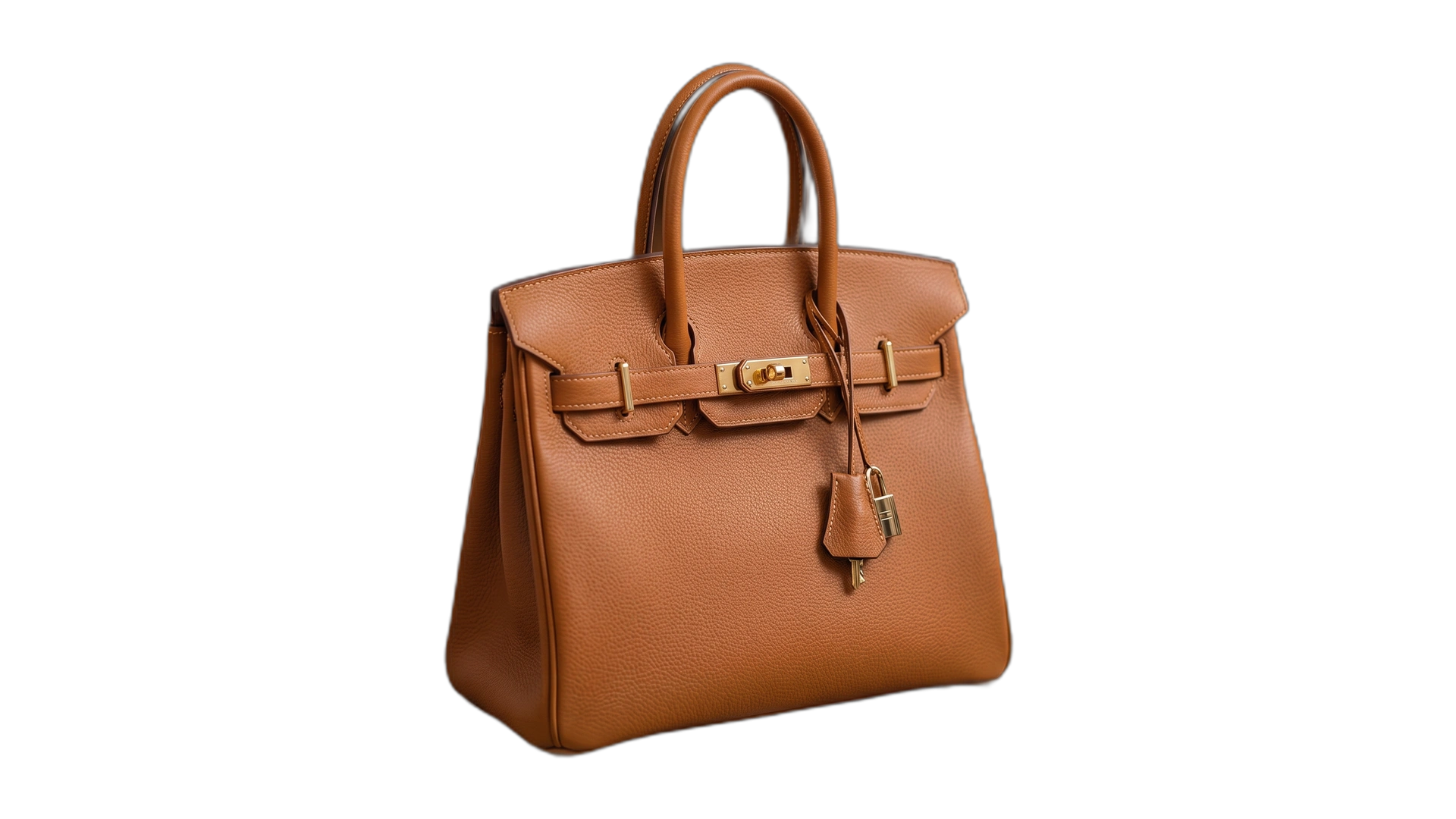
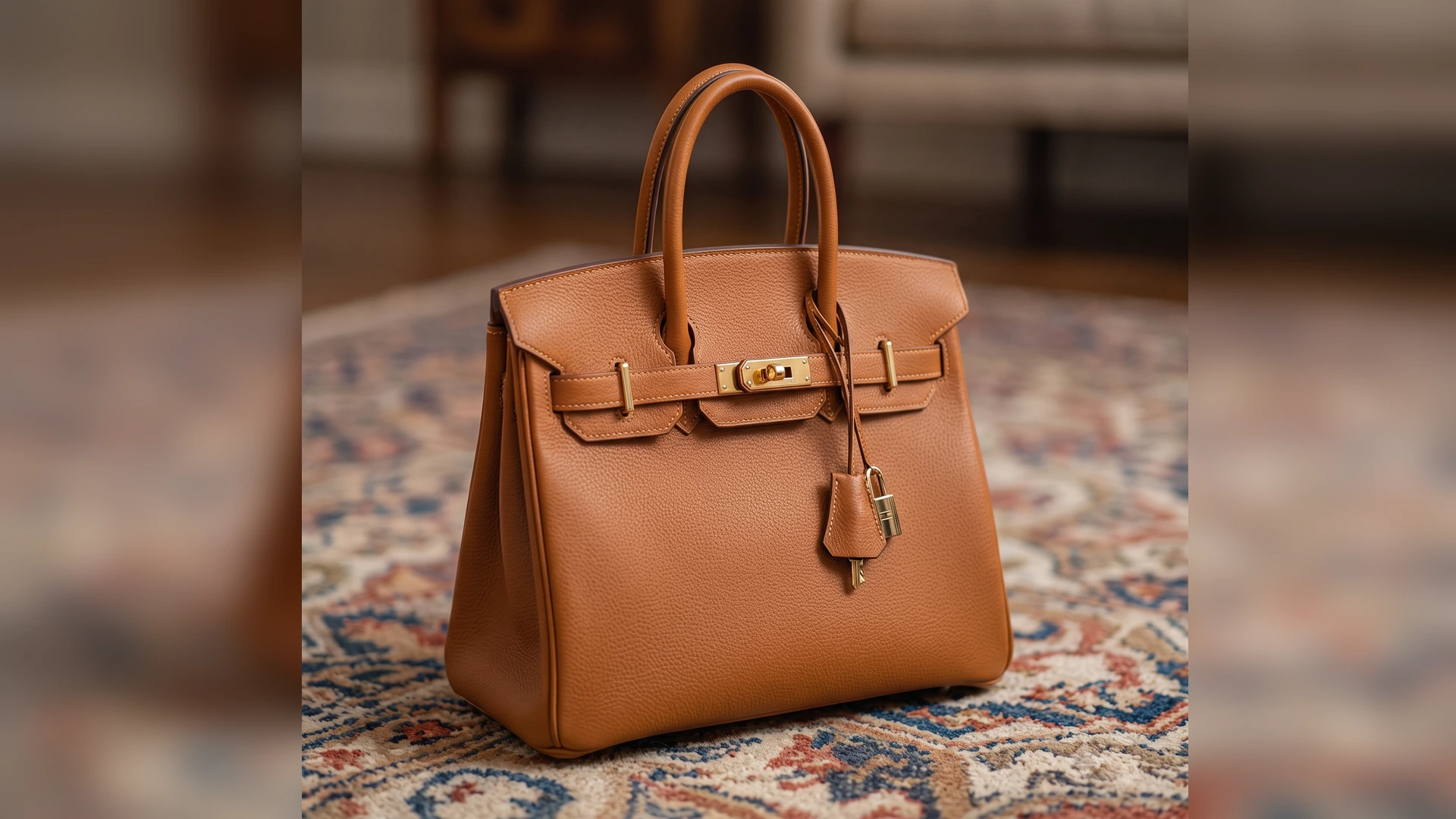
Drag the slider to compare raw photos vs instant transparent background cutouts across different subject types.
HOW TO GET 100% PERFECT AI CUTOUTS
Our Neural AI engine automatically extracts central characters with sub-pixel precision. Here is how to pick or prepare photos for flawless background removal.
Best Types of Images to Use
- Clear Central Focal Character
Single people portraits, YouTube thumbnail creator poses, avatars, model headshots, and single product photos (shoes, electronics, cosmetics).
- Strong Foreground-to-Background Contrast
Photos where the main character stands out distinctly from the background lighting or tone.
- Sharp High-Resolution Details
Crisp 1080p or 4K photos (PNG, JPG, WebP) with clear hair, outfit, or product edges.
- Pet & Animal Portraits
Dogs, cats, and pets positioned in the center with reasonably sharp fur contours.
When Accuracy May Decrease & Tips
- Extremely Low-Resolution or Pixelated Images
Photos under 300px width lose edge definition. Tip: Use a higher-resolution version of the image for best results.
- Heavy Motion Blur & Out-of-Focus Subjects
Images where the main subject is heavily blurred or smudged. Tip: Choose still photos with sharp focus on the central subject.
- Overcrowded Distant Scenes
Wide stadium or festival shots containing 50+ tiny distant people without one primary central focal person.
- Fully Transparent Glass & Thin Netting
Clear glass bottles or fine see-through mesh fabrics. Tip: Use our Touch Up Magic Eraser tool to touch up transparent glass edges.